
To sign in for the first time, please use your 8-digit Customer Identification Number.
You can find this number:
What’s next?
If it doesn’t succeed, please contact your nearest branch.
How to sign in?
You can find this number:
- In any of your agreements – your digital channels access agreement (so called “umowa ramowa”) or your account, credit or card agreement.
- In a return transfer – if you’d chosen to confirm your payment using a fast payment (pay-by-link).
What’s next?
- provide your pesonal identification data,
- answer one of the verification question,
- authorize the operation.
If it doesn’t succeed, please contact your nearest branch.
How to sign in?
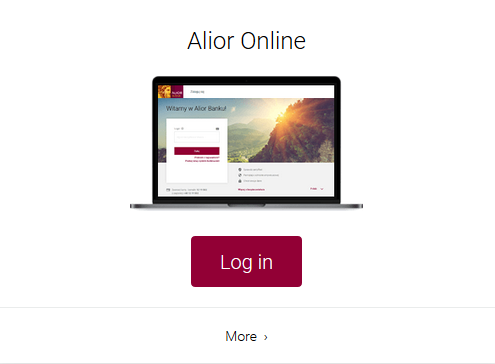
- Go aliorbank.pl and select Zaloguj (Login) in the upper right corner of the website.
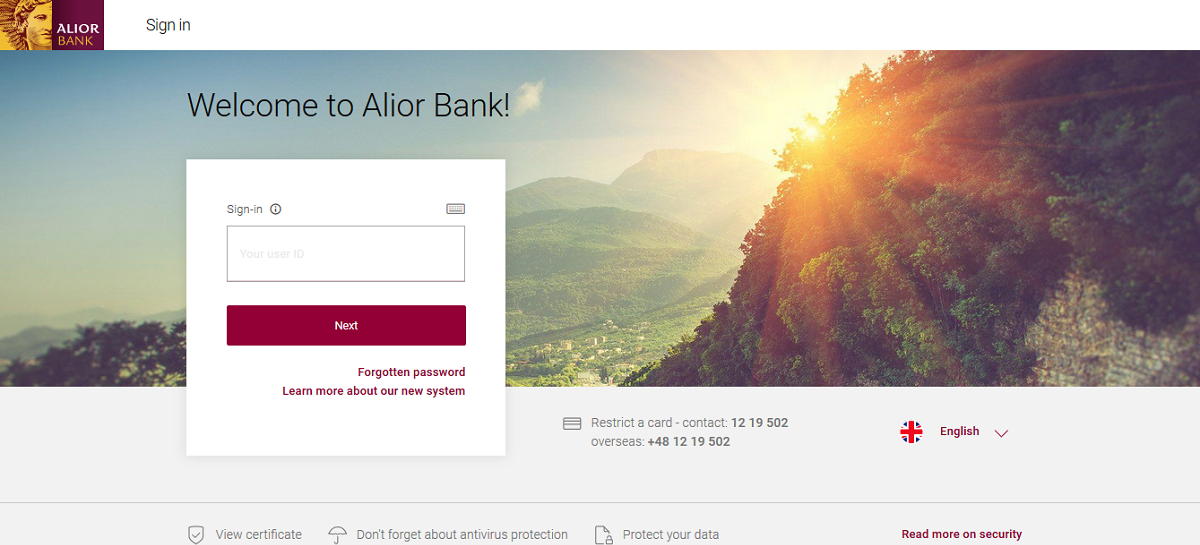
- Select System bankowosci internetowej (Internet banking system) – the system is also available via direct link: https://system.aliorbank.pl. If you’re using the direct link, please make sure to type it manually in your browser address input (don’t copy and paste).
- Input your Customer Identification Number (provided in all your product agreements and in a return transfer in case of online agreements).
- Input the SMS code sent to your mobile phone.
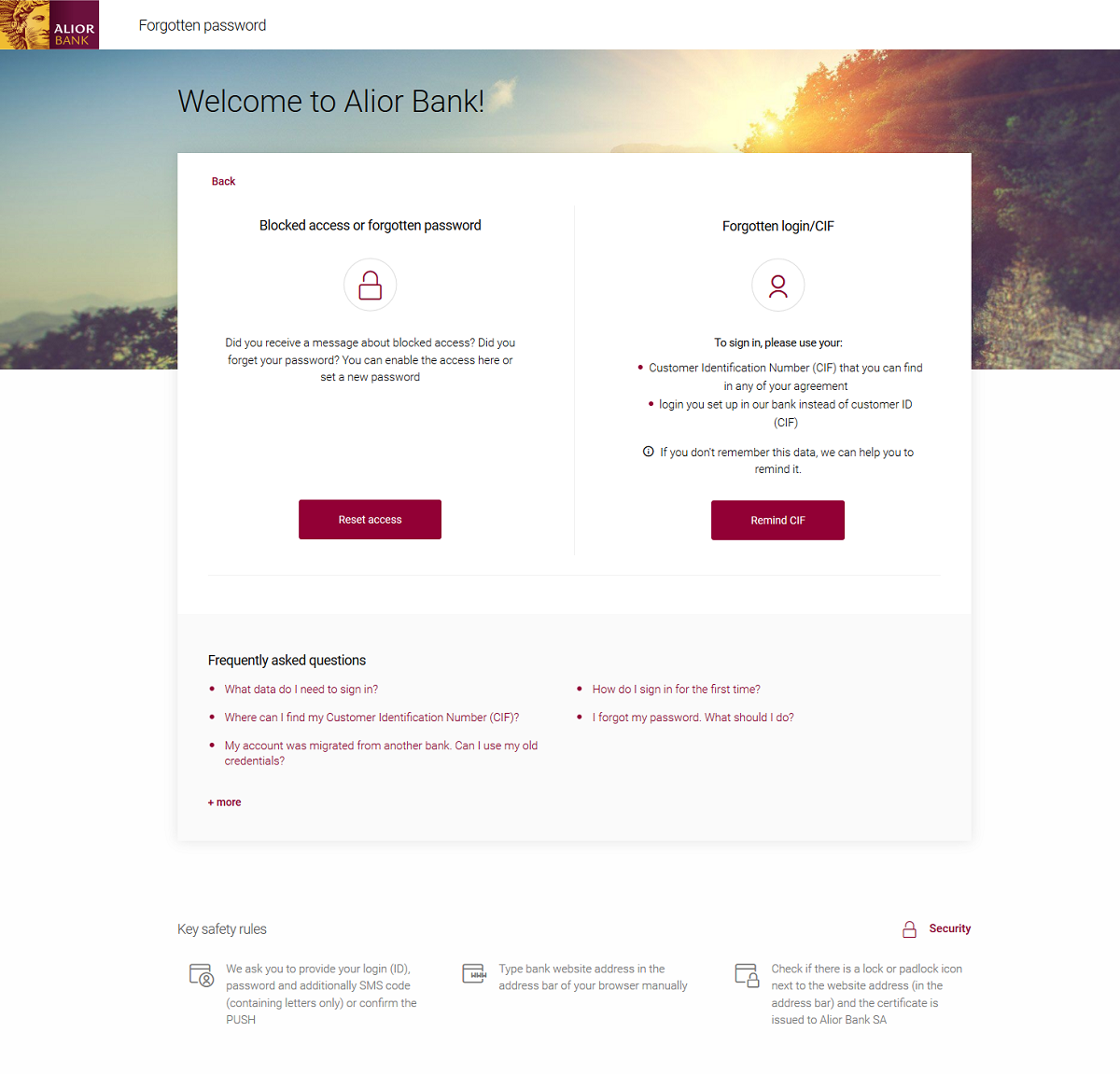
- Set your password (10 to 24 characters long) and retype it in the next field.
- Select your safety image (antyphishing image).
- Sign in using your new password to access all functions.